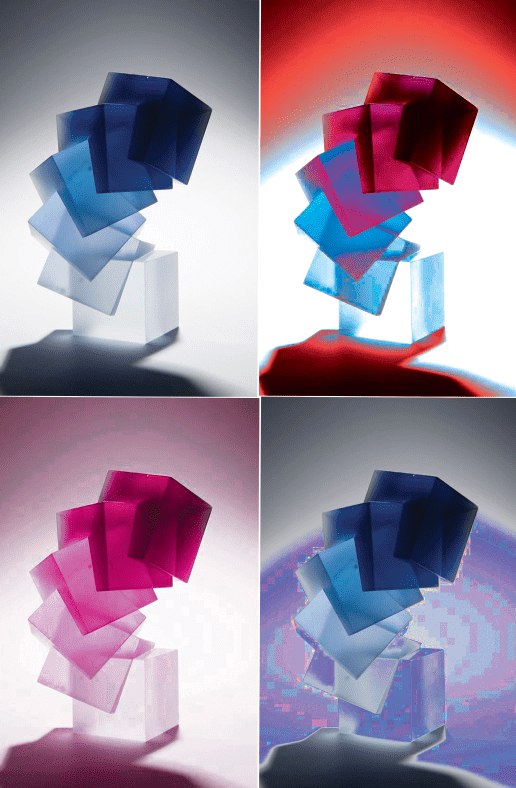
For this weeks Photoshop session in the Mac Suite, we were given the task to use the different tools on Photoshop to manipulate the colour of a photo in a number of different ways. I started off by using luminosity, where you choose a colour to lay over the top of the image, making it all one colour. I then played around with the hue and saturation, which is a very easy thing to play around with on Photoshop. Replacing the colour is also a great thing you can do on Photoshop, as it allows you to select one main colour from the photo and change everything of that colour into a different colour of your choice. The example above is one that i quickly did, however i will insert a photo of the one I did in the session below.
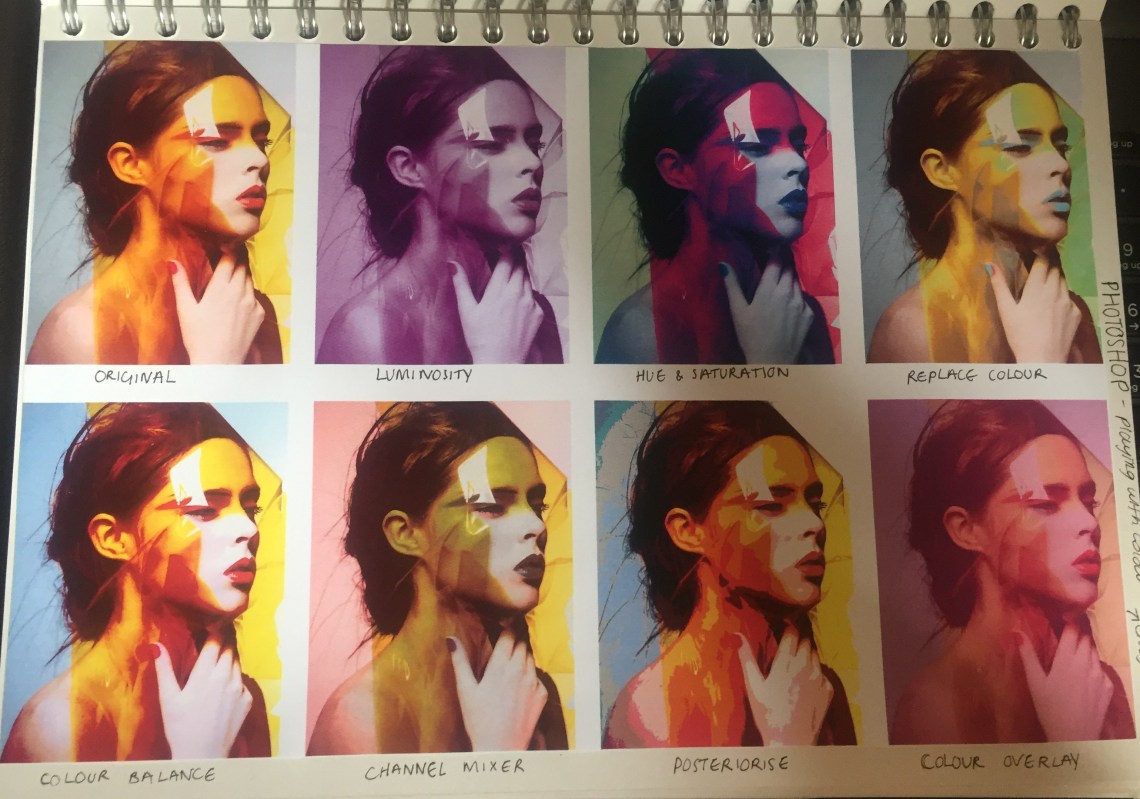
I have written underneath each photo what I did on Photoshop to manipulate the colours. I really enjoyed this task, as I love learning new ways to use the tools on Photoshop and how I can use them to make my work more interesting.

 Katie's Fashion & Lifestyle Blog